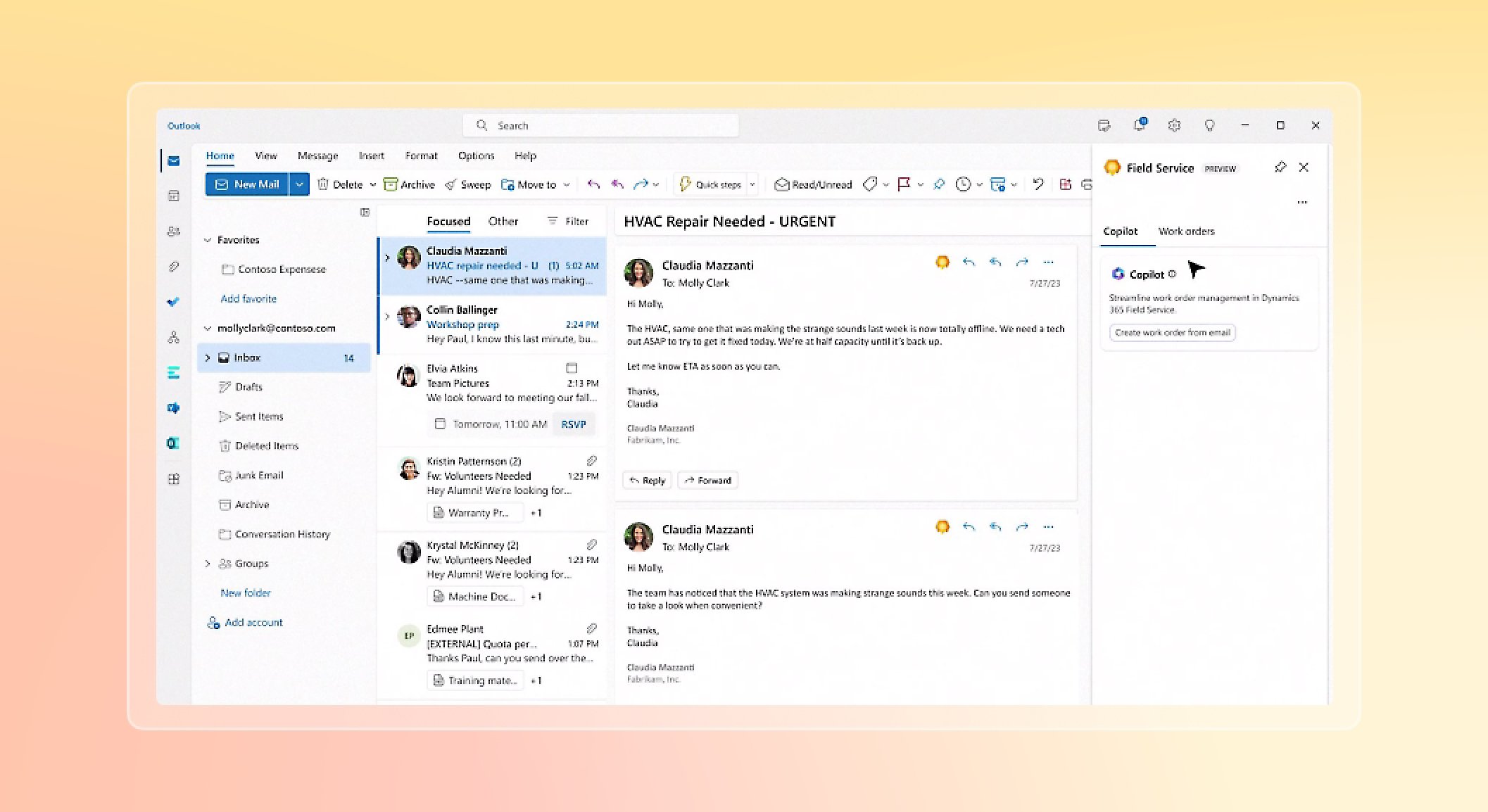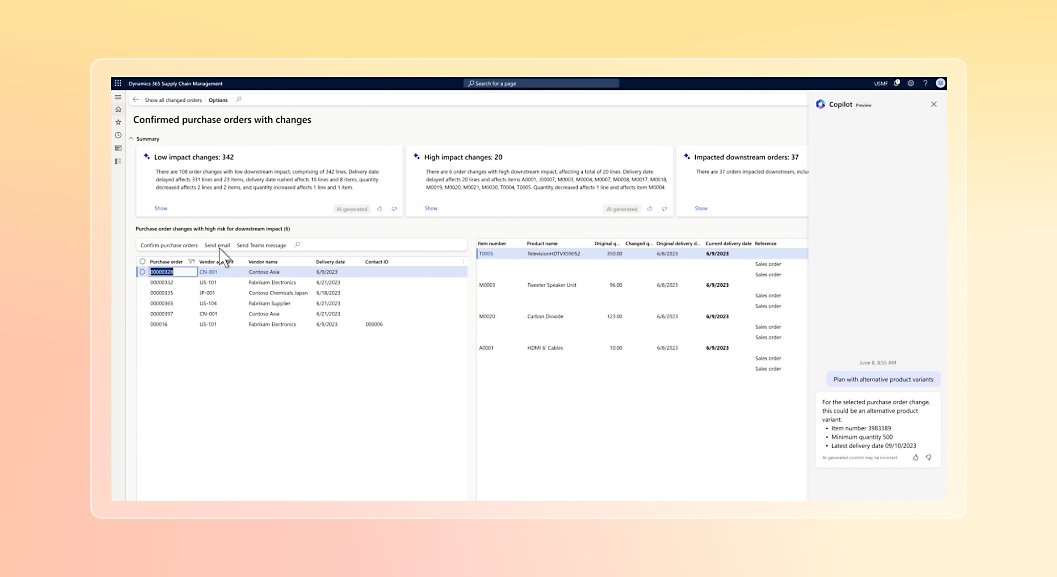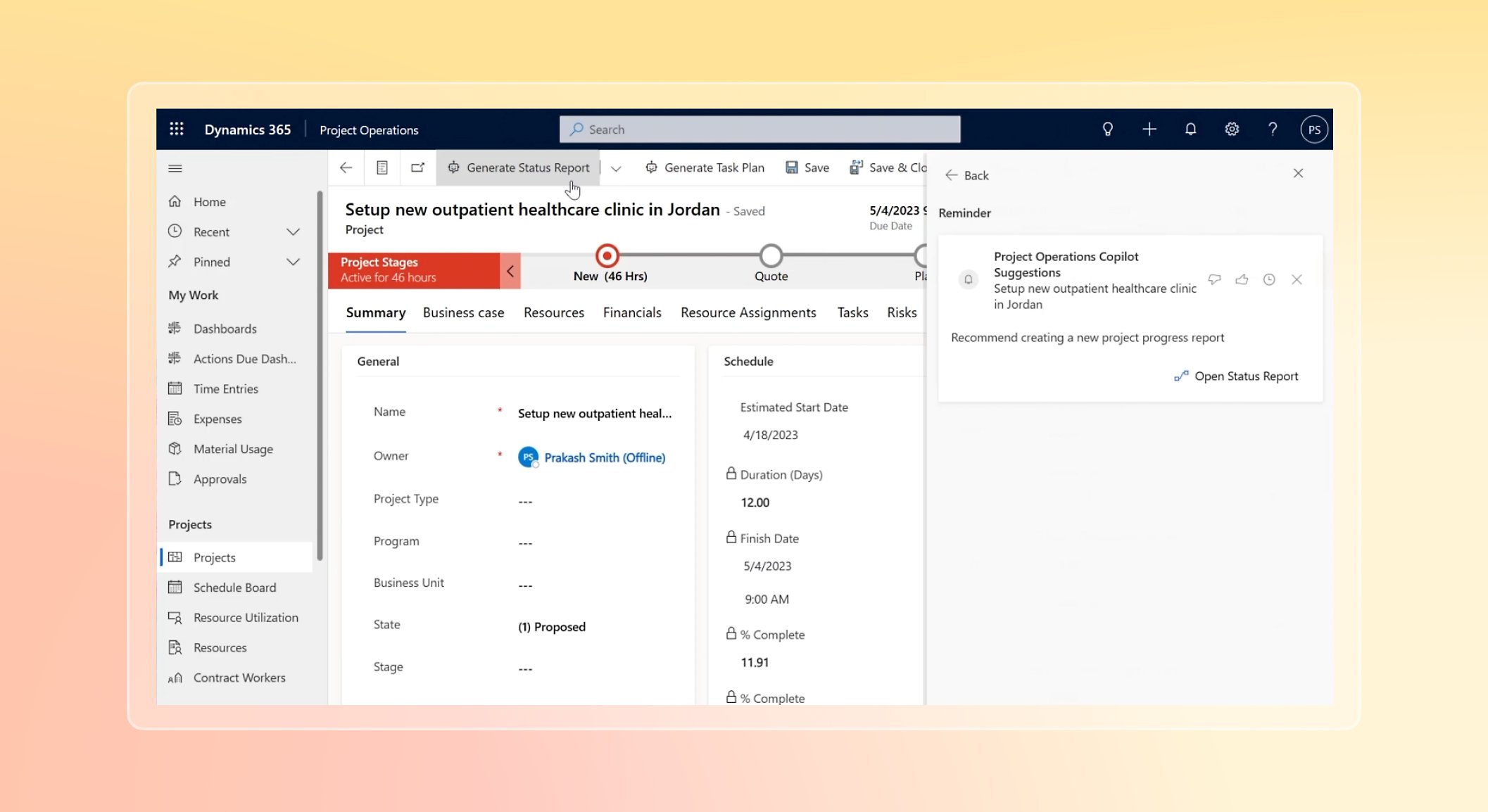
The best management software for your field service company

FieldOne Features


Service Call and Work Order Management

  • Track all client’s service requests
  • Track personal-hours for service requests
  • Inventory control for service requests
  • Service request delays
  • Work orders can be entered wirelessly
  • Resolve issues by appropriate tech skills
  • Send preferred tech to Job Site
  • Full integration with Dispatching
  • Advanced Problem / Repair analysis
  • Specify priorities for specific calls
  • Full reporting capabilities for Labor (by Type of Work, Problem Code, Account, Job Site, Priority, Profitability, Hours, Pay Type etc.)
  • Full report capabilities for Material Usage (same as above)
  • Automatically charge a 'Trip Charge' defined on 'Job Site'
  • Predefine an 'Minimum (initial) Charge' for Labor
  • Charge different pricing schemes for different types of work, or specify a specific pricing structure on the customer level
  • Unlimited number of Parts Markups with the ability to specify different markups for different price ranges
  • Unlimited number of Labor Pricing options
  • Option to charge for labor either by 'Fixed hourly rate', 'Fixed Rate' or by 'Markup on employee's cost'
  • Multiple Problem Codes per each Work Order
  • Assign problems to Customer Equipment for better history tracking
  • Advanced 'Problem Check List' feature
  • Track your Marketing Campaign efforts and track revenue by Campaign and Campaign Type (PRO Edition only)
  • Create unlimited 'sub statuses' for each system Work Order status.
Go To Top

Dispatch and Scheduling

  • Advanced schedule views by Day/Days/Week/Work Week/Month for easier scheduling and workload allocation
  • Schedule Jobs by Single Tech, Multiple Techs or by Crews.
  • Advanced Schedule Change notification
  • Unlimited customized Schedule Board view layouts per user.
  • Familiar Microsoft Outlook® User Interface
  • Send SMS message with schedule details to technician directly from Schedule Board.
  • Advanced Scheduling reports
  • Powerful Technician Routing & Mapping features
  • Route tech schedule and specify as a starting or ending point the 'Office (branch)', 'Employee's home' or a custom address
  • Customize schedule security rights
  • Full Drag & Drop functionality
  • Capture Customers Signature on Tablet PC (PRO Edition only) or FieldOne Mobile!
  • Color coded schedule status
  • Detailed notes for customer as well as internal note tracking
  • Fully integrated with FieldOne Mobile Edition (for the Windows Mobile 5 OS)
  • Option to specify company 'week working days’, 'holidays' and company 'Start' and 'End' work time with a visual indication on the Schedule Board Calendar
  • Option to specify employees 'Lunch', 'week working days’, 'holidays' and employee 'Start' and 'End' work time with a visual indication on the Schedule Board Calendar
  • Unlimited Schedule Slots per each Work Order
  • Automatically convert completed schedules to billable labor
  • Move uncompleted schedule slots to a different day, to either same tech or to the 'Unassigned' queue
  • Import schedules from different data systems via the CSV import feature.
Go To Top

GPS Vehicle Tracking (Pro Edition Only) - Mapping and Routing

  • See all your techs service locations on intuitive and interactive map
  • View, print or email driving directions directly from FieldOne
  • Rearrange tech route route directly on map
  • Specify route Start/End Location according to techs home, branch or any other location
  • Directly integrated GPS vehicle data into application (to view current locations)
  • In-depth Trip Detail Reports
  • Detailed Speed Violations
  • Detailed Sensor On/Off reports
  • Maintenance reminders triggered by mileage and/or specific dates
  • Have up to date status of technicians and crews
  • Increase vehicle efficiency by monitoring idle time and driving habits
  • Eliminate out-of-route trips
  • Eliminate unauthorized, after-hour vehicle usage
  • Decrease fleet maintenance cost
  • Improve customer service
Go To Top

Proposal and Job Costing

  • Enterprise class proposal and bid creation
  • Track P&L by Job/Job Phase/Individual Transactions or Multiple Jobs etc.
  • Advanced Payment Plan options
  • Powerful Job Billing features
  • Easily convert from Estimation to Active Work Order
  • Divide Jobs in multiple Stages and track their completion progress
  • Complete Change Order tracking
  • Track Retainage (useful for government jobs)
  • See at a glance Estimated vs. Actual costs and Profits
  • Integrated Word Processor to record proposal details
  • Save unlimited 'Revisions' of each proposal with option to active a past revision.
  • Create custom Estimate templates each with its own layout (with full report designer)
  • Create Purchase Orders, Purchase Quotes (RFQ) directly from Estimates
Go To Top

Service Agreements (Pro Edition Only)

  • Automatic & "Time Of Service" billing
  • Define coverage details for Parts & Labor by amount/units/unlimited for coverage period
  • Setup individual or complex recurring schedule scenarios for service
  • Define automatic recurring billing schedule
  • Easily create Work Orders based for schedule agreements
  • Attach parts to be used for schedule maintenance
  • Full analysis of agreement coverage usage
  • Visual alert while creating Service Call about agreement coverage
  • Record add-on's while generating Agreement Invoice
  • Full word processing capabilities to record and print agreement details
  • Detailed costing and profitability analysis on Service Agreements
  • Access work orders attached to Agreement
  • Transfer agreement notes to schedule notes
Go To Top

Purchasing Control (Pro Edition Only)

  • Create Purchase Orders either manually or by pulling parts specified on Estimate (saves on data entry time)
  • Specify an 'Expected Date' either for the PO as a whole or for each individual part.
  • Easily track parts that are expected until a specific date (useful for Inventory Manager)
  • Specify Ship-To for each individual part on a PO to either 'Inventory' or 'Job Site'
  • Easily receive parts ordered
  • Track part costing discrepancy
  • Multiple PO Receipts per each PO
  • Multiple PO Bills per each PO
  • Receive parts directly to Work Order, which saves on data entry as well as gives you a precise P&L for jobs
  • Directly integrates with PO Quotes and Purchase Requisitions and related Work Orders
  • Optional Approval process for PO's
  • Parts 'Back Order' tracking
  • Cancel individual parts of a PO
  • Point 'n Click 'PO Receipts' and 'PO Bills'
  • Create 'PO Quotes' where you list the items in interest and then just specify the list of Vendors in interest and system will create a separate quote for each vendor specified, without having to re-enter all items for each Vendor
  • When receiving pricing/quotes back from Vendors the system will save them for future reference
  • System will list all Pricing/Quotes with lowest displayed on top
  • Easily creates PO's for the parts in question from all the vendors specified
Go To Top

Purchase Requisition Management (Pro Edition Only)

  • Allows field managers to request items needed for buildings
  • Option to specify on Job a 'notification list' of individuals that should be notified via email of such requests
  • Option to specify 'Approval List' where all listed personal would need to approve the request in order to allow processing of Request
  • Option to define Budget details on Job and the system would notify manager when there is a discrepancy between proposed budget and actual budget
  • All discrepancy detail are forwarded via email to defined 'notification list'
  • Option to turn an approved Requisition into 'Purchase Order' or 'PO Quote'
Go To Top

Account Management

  • Track an unlimited number of clients
  • Listing unlimited number of Job Sites and Buildings per a client
  • Each building lists an unlimited number of 'Suites' (PRO Edition only)
  • Track Jobs/Service Calls by Account, Job Site and Suite
  • Track Invoices by Account and Job Sites
  • Customer Statements are subdivided to Job Site level
  • Specify different 'Billing Address's' for each Job Site, or use the Accounts billing address
  • Place 'Credit Hold' on specific Accounts
  • Place 'Credit Amount' on specific accounts
  • Central 'Customer Alert' screen providing with alerts per customer while accessing customer transactions
  • Specify different pricing plans for Parts and Labor by individual Account of Work Order Type
  • See any activity related to an account on one single and easy to use screen via the 'Customer Snapshot Screen'
  • See any activity related to a 'Job Site' on one single easy to use screen via the 'Site Snapshot Screen'
  • Ability to open an unlimited number of 'Snapshots' screens at a time allowing you to multi-task from one account to the another without losing focus
  • Get A/R aging for each account with the click of a mouse
  • Get A/R aging for each individual 'Job Site' with the click of a mouse
  • Create new transactions or modify existing ones right from the 'Customer Snapshot Screen'
  • Credit Card Processing for your clients integrated within the application (PRO Edition)
  • Add 'Special Pricing' for a customer, where you could specify a fixed price for any given part, and optionally specify and 'Start and End' date for that price, which overrides any pricing scheme specified on the Work Order
  • Custom Fields to the following objects: Customers, Job Sites, Employee, Agreement, Equipment, Work Order
  • Option to specify the Custom Field data type
  • Option to set Custom Fields as Required for data entry
  • Option to specify which field is required on different objects in the program
Go To Top

Customer Relationship Management

  • Unlimited number of contacts per an account
  • Unlimited number of contacts per each 'Job Site'
  • Each contact contains their personal contact info (i.e. Phone, Cell, Email etc.)
  • Option to store Contacts not related to any account
  • Option to Convert unrelated contact to an Account
  • Unlimited Note tracking per each transaction consistent throughout the application
  • Each note contains Timestamp, Subject, Details and Employee that created note
  • Notes that pertain to any transaction relating to client will show on 'Customer Snapshot Screen' allowing you to easily follow a trail of events
  • Option to attach unlimited attachments to each transaction in the system
  • Attachments could contain any file (i.e. Word Document, Excel Sheet, PDF File), picture, and website link
  • Clicking an attachment opens an associated application and opens that file as well, saving the time needed to search for file on drive
  • Option to store an unlimited number of 'Pop-up Alerts' to any transaction in the system
  • Option to create alerts for different users in the corporation (if you have the sufficient rights)
  • Option to snooze alerts
  • Option to see upcoming alerts
  • Option to open transaction where an alert is attached without having to search for that transaction
Go To Top

Customer Web Portal

  • Advanced and intuitive web portal for your customers to log in
  • Customers can record "Service Requests" and see its status updates
  • Customers can record feedback on "Service Requests" and your office could reply
  • Option to easily convert "Service Requests" to Work Orders or Projects
  • Customer can view their Work Orders, Schedules as well as leave their feedback on their jobs
  • Customers can view their Invoices, its details, payments applied and amount due
  • Customers can review their payment history and see to which Invoice they were applied
  • Option to have multiple logins per customer
  • Option to limit logins to certain Job Sites
  • Option to set up security on the Company level, Customer level or Login level
  • Every feature on the portal is configurable if you wish to allow/disallow on a company, customer or login level
  • Option to specify your own welcome page once login has signed on
  • Option to run the portal for different company profiles with same server
  • Option to specify different sub domains for different company profiles
  • Portal is fully Ajax enabled
  • Lots of user control on sorting, grouping, and other visual elements of the portal
Go To Top

Office Manager

  • A repository location to easily be on top of all aspects of your company without them being buried in the system
  • Perform related actions that pertains to the shown transactions
  • Open transactions directly from the Office Manager
  • Easily follow up with neglected accounts
  • Easily bill for Work Orders completed
  • Convert completed Scheduled into billable Work Orders
  • Easily follow up on Unscheduled or Unassigned Work Orders
  • Easily follow up on Pending Proposals, as well as convert them into Active Work Orders
  • See and act upon all Work Order that are In-Progress
  • Track parts that are low in Inventory and purchase them right from the Office Manager
  • Track and follow up on Open PO Quotes
  • View/Approve/Process PO Requisition right from the Office Manager
Go To Top

Employee & Technician Management

  • Powerful Role and individual security rights management
  • Security Rights for 'View/Modify/No Access' to all transaction types in the system
  • Separate rights for 'Windows Application' and 'Mobile Application'
  • Option to specify Skills for given employees
  • Option to specify different colors for employees so they give a visual indication on the Schedule Board
  • Option to specify different 'Start' and 'End' Work times for employee to see a visual indication on Schedule Board
  • Full Employee Crew management
  • Track company assets to employees and Work Orders
Go To Top

Task Management

  • Option to attach unlimited attachments to each and every transaction in the system
  • Attachments could contain any file (e.g. Word Document, Excel Sheet, PDF File), picture, and website link
  • Clicking on attachment opens up associated application and opens that file as well, thus saving the time needed to search for file on drive
  • Create unlimited Task to any transaction in the system
  • Task could be tracked by Status, % Completed, Status Types, Status Groups etc.
  • Option to store an unlimited number of 'Pop-up Alerts' to any transaction in the system
  • Option to create alerts for different users in the corporation (if you have the sufficient rights)
  • Option to snooze alerts to a different time
  • Option to see upcoming alerts
  • Option to open transaction where an alert is attached to, without having to search for that transaction
  • Full integration with Microsoft Word Mail Merge feature, works with any DataView in the system
Go To Top

Inventory Management (Pro Edition Only)

  • Track Hugh lists of Items without slowing down your system
  • Items may be 'Stock' or 'Non-Stock' items
  • Bar-Code scanning for item entry on Work Orders, Estimates, and Purchase Orders
  • Create "Part Kits" with very powerful pricing options
  • Track 'Serialized' parts, specify serial # when purchasing items and when consuming them on a Work Order you could Point & Click which Serial #'s you are consuming
  • Unlimited Inventory locations (e.g. Actual Inventory Location or Technicians Trucks)
  • Specify different thresholds for each part for each Inventory location
  • Specify different 'Reorder Points' for each part for each inventory location
  • Alerts when you run low on any part for each Inventory location
  • Transfer parts from one inventory location to another
  • Modify part details in bulk, without the need to open each and every part separately
  • Define different 'Unit Measures' for your items
  • Multiple costing methods available
  • Specify and track different pricing for different vendors for each part, optionally specify a Start and End date for the pricing
  • Divide your parts in Category and Sub-Category
  • Track details of an individual part when it was bought and sold in one single and easy to use screen
  • Import vendor parts and pricing lists
  • Receive items directly into inventory or Job Sites
  • Option to automatically convert an Item to a Customer Equipment
Go To Top

Equipment Tracking (Pro Edition Only)

  • Track unlimited customer's equipment that you service so when the clients calls for service you know all details of that piece of equipment
  • Track Equipment by Customer, Job Site, Suite
  • Track details like Manufacturer, Modal Number, Serial Number, Installed By (Employee or Vendor), Install Date, Equipment Location (basement, roof etc.), Warranty Information
  • Powerful 'Sub-Items' feature, where you could store an unlimited of predefined custom fields, specify their type of data to hold
  • Unlimited deep level of 'Sub-Equipment'
  • Attach equipment to Work Order, Problem Codes, Parts, Labor
  • Track history of previously performed work for Equipment
  • Option to automatically convert an Item to a Customer Equipment
Go To Top

System Scalability & Security

  • Designed using a Multi-Tier approach which enables application to scale very well
  • Uses the powerful and enterprise grade Microsoft SQL Server as its database server
  • Client computers have no access to database server, but only to the application server, which makes deployment a breeze
  • Database does not (should not) have to be open to the public world when accessing application over the web either because your company has multiple braches or simply because you are trying to use the program either from home or hotel using a wireless connection to the server which makes your data much more secure
  • Option to use Compression when accessing data over an internet connection which again leads to better overall performance and scalability
  • All data from any type of client (e.g. Windows Application, FieldOne Mobile, Web Application) go thru the same application server which ensures data stability and consistency
Go To Top